

New Relic
New Relic is a performance management solution that we use to monitor many clients’ applications in order to identify opportunities for performance improvements and offer UX changes that might benefit their users.
Key Features Include
Section titled “Key Features Include”- Application Performance Monitoring (APM):
New Relic’s APM tool provides detailed information about our clients’ application response times, error rates, and throughput. - Real User Monitoring:
New Relic tracks how users interact with our clients’ applications, offering insights into their user experience which we can use to suggest UX changes. - Infrastructure Monitoring:
New Relic can monitor our clients’ server infrastructure, providing visibility into system performance and potential issues. - Distributed Tracing:
New Relice offers visibility into how different services in a microservice architecture interact, helping identify performance bottlenecks. - Alerting and AI Ops:
New Relic sends alerts to specified engineers and project stakeholders about performance issues. It also uses applied intelligence to enrich alerts with relevant data, provide a root cause analysis of issues, and reduce noise.
How We Use New Relic
Section titled “How We Use New Relic”We don’t use New Relic on every client project, and we don’t use it in the same way for every project it is on. In general, the following are the most common ways we use New Relic to monitor and improve our clients’ applications.
-
Error Tracking:
New Relic provides detailed error reports, helping us identify, debug, and resolve errors quickly. It also allows us to sort and filter by different parameters and pull reports to send to our clients.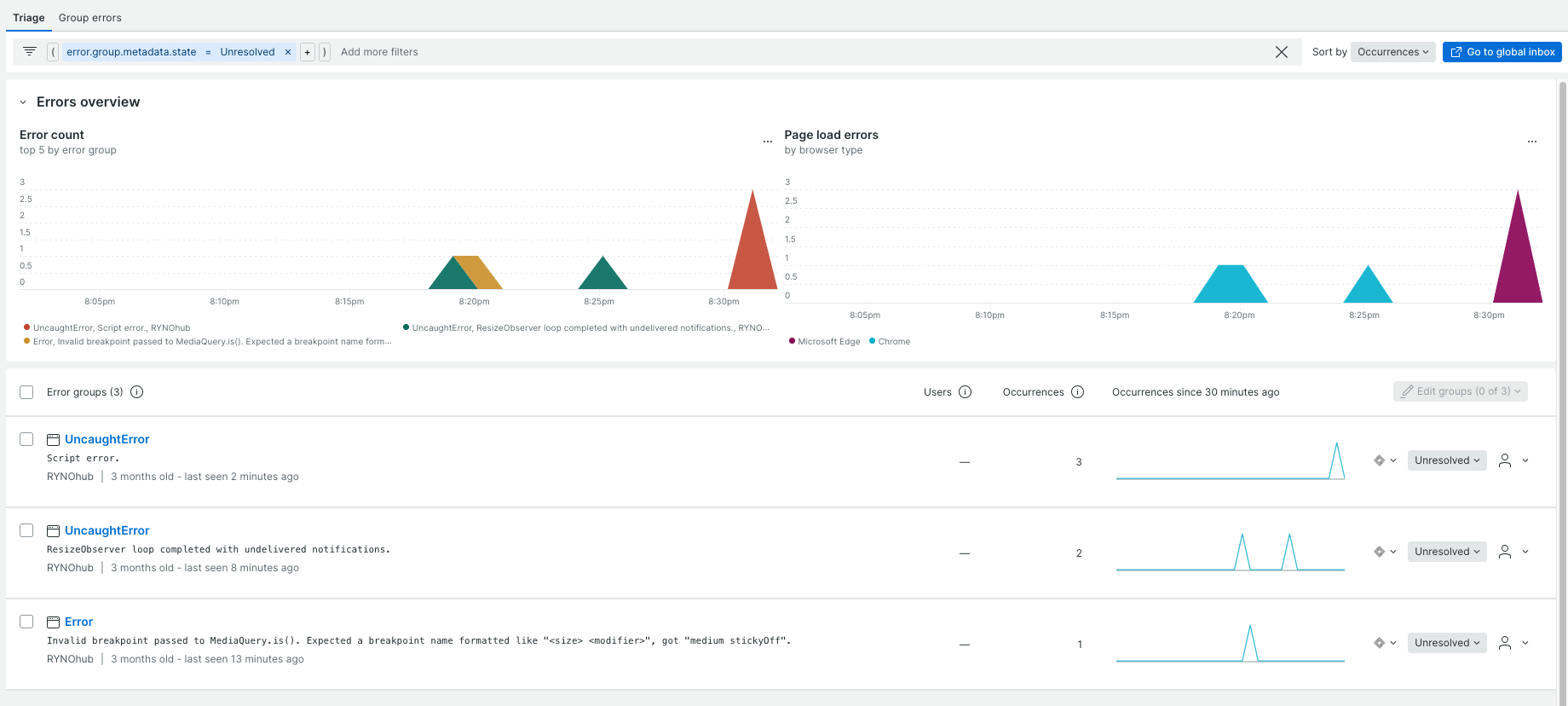
-
User Experience Optimization:
By understanding how users interact with our clients’ applications, we can optimize the user experience and identify areas for improvement.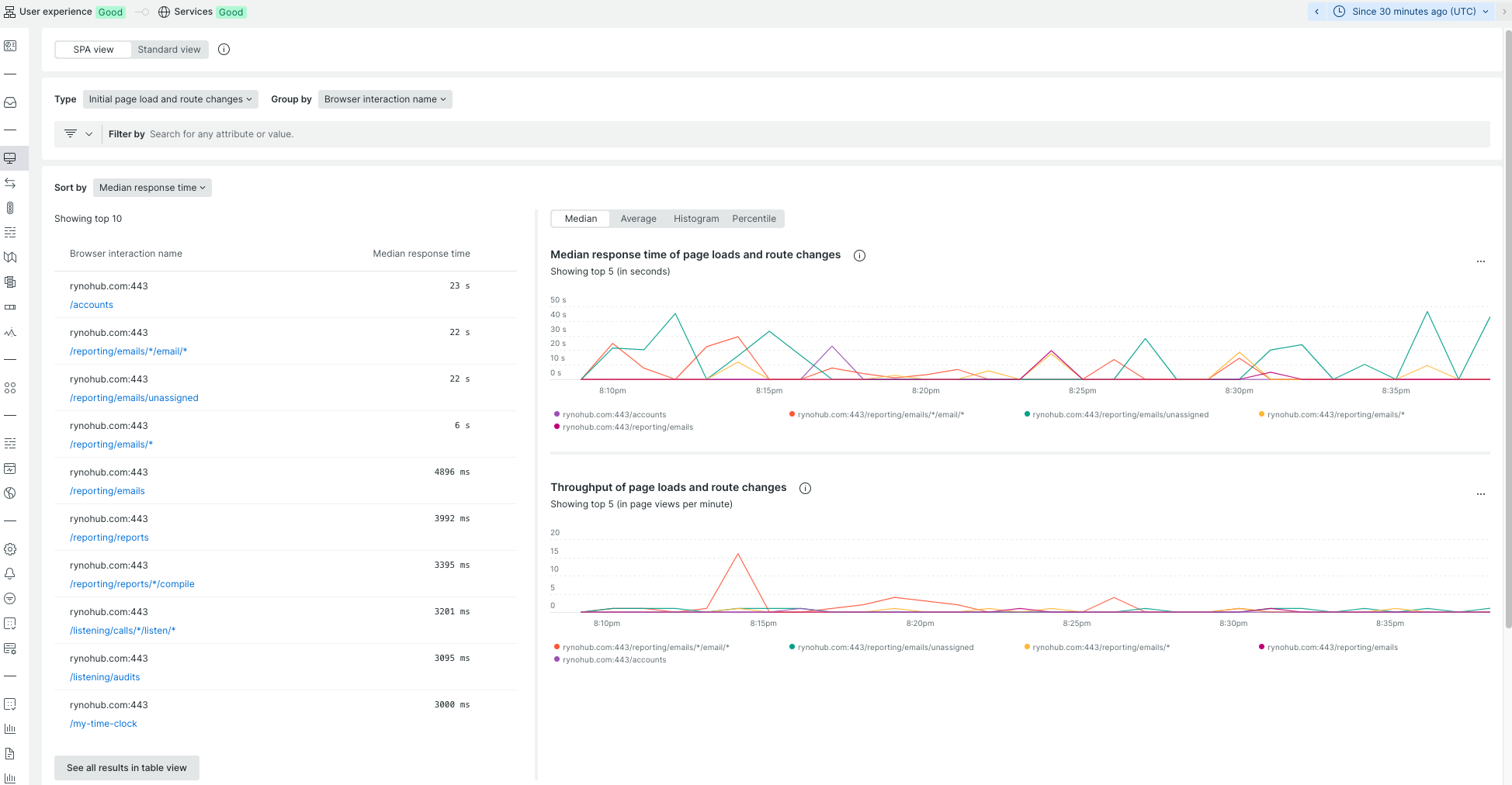
-
Infrastructure Assessment:
If the app you’re working on is part of a more extensive system, New Relic can provide visibility into the entire system’s performance. This helps identify issues that may be occurring outside of where you’re working, and outside the application itself.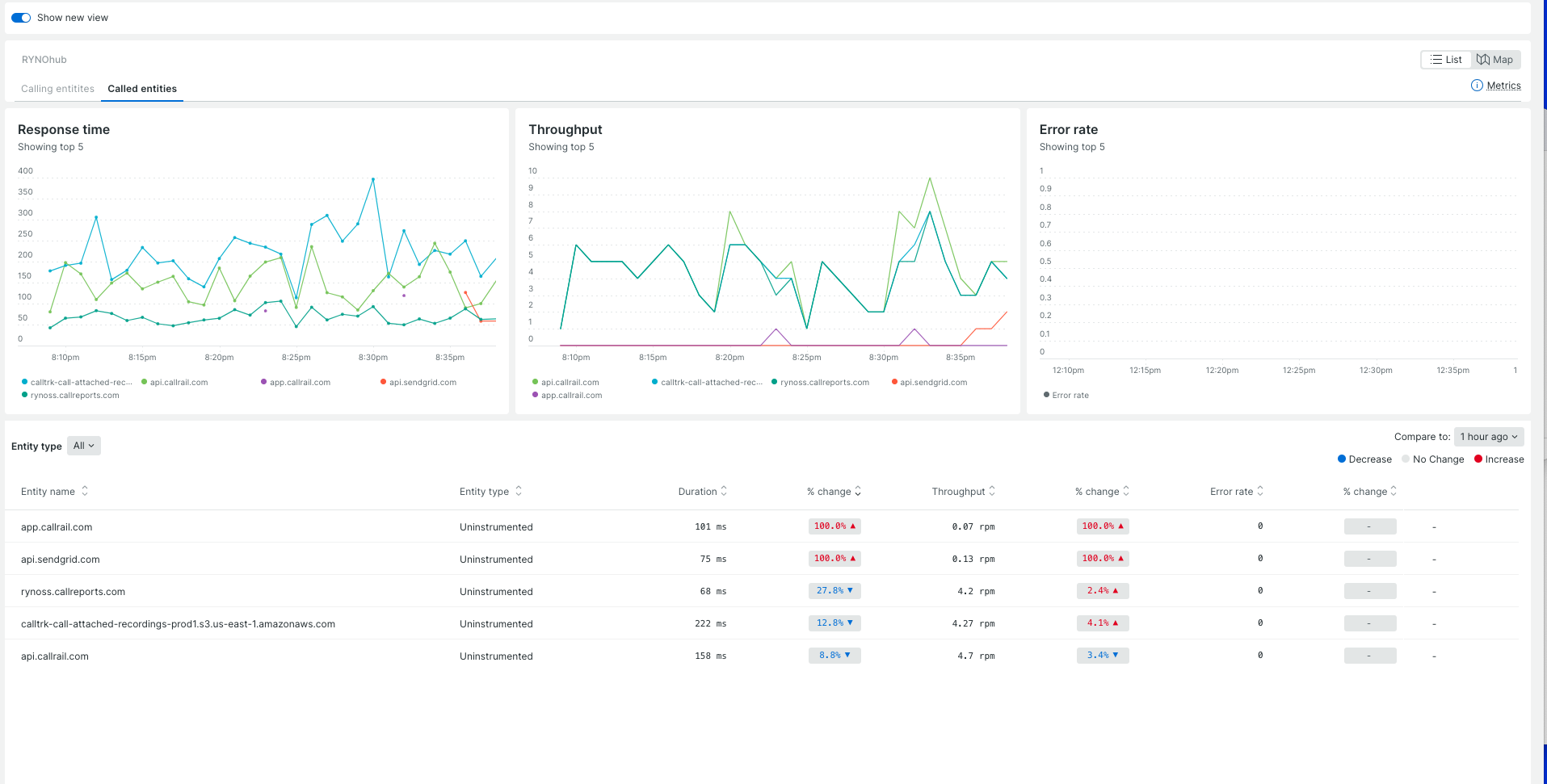
-
Proactive Alerting:
We can set up alerts based on specific criteria to be notified of potential issues before they significantly affect the application.
Onboarding to New Relic
Section titled “Onboarding to New Relic”You will be introduced to New Relic and it’s project-specific uses during your project/client application onboarding. If you have further questions about the tool, ask your project technical lead or consult the New Relic docs here.