How to set up AppSignal
prerequisites
Section titled “prerequisites”In order to set up AppSignal for the first time on an application, you will need a few things before you start:
- Access to the AppSignal Organization in order to grab the API key
- Access to the git repository for the application
- Access to add environment variables
Installing the Ruby Gem / Setting the API Key
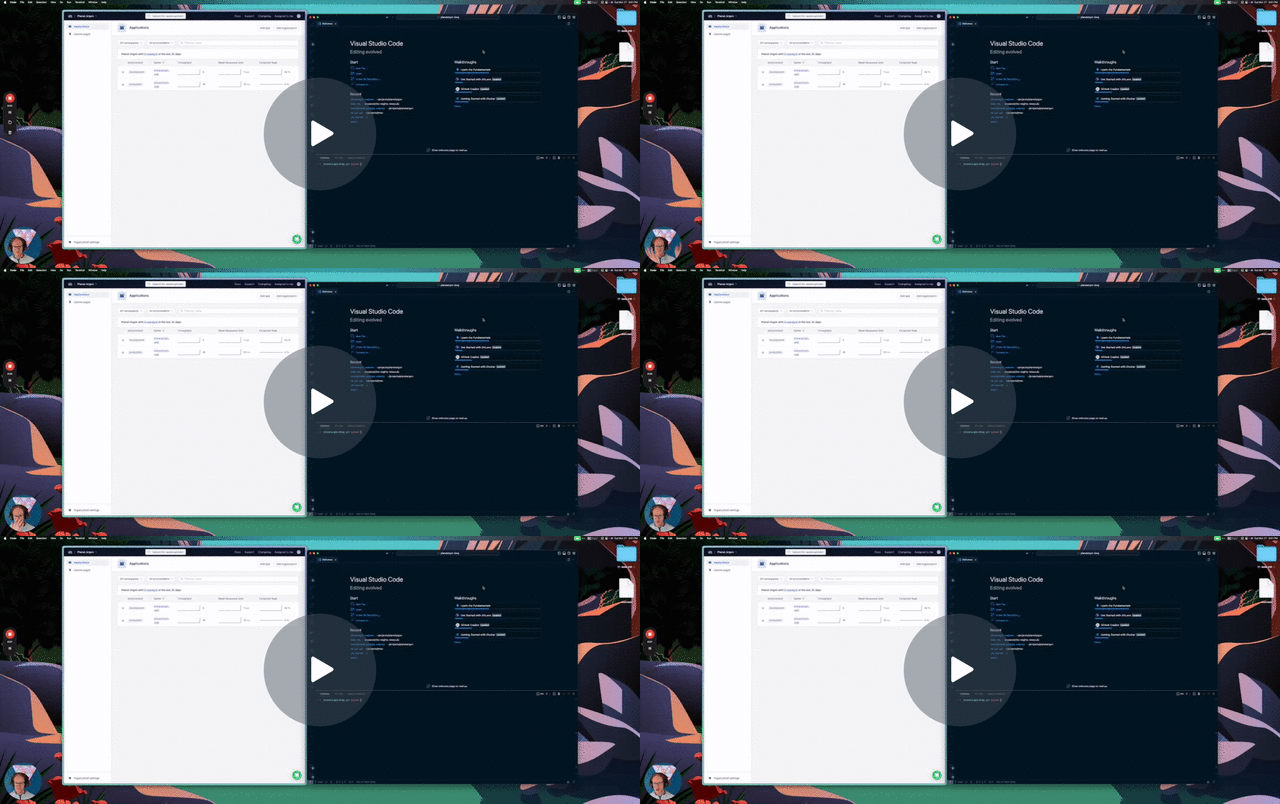
Section titled “Installing the Ruby Gem / Setting the API Key”- In the AppSignal Dashboard, go to the Organization
- Add App at the top right corner
- Select the app language
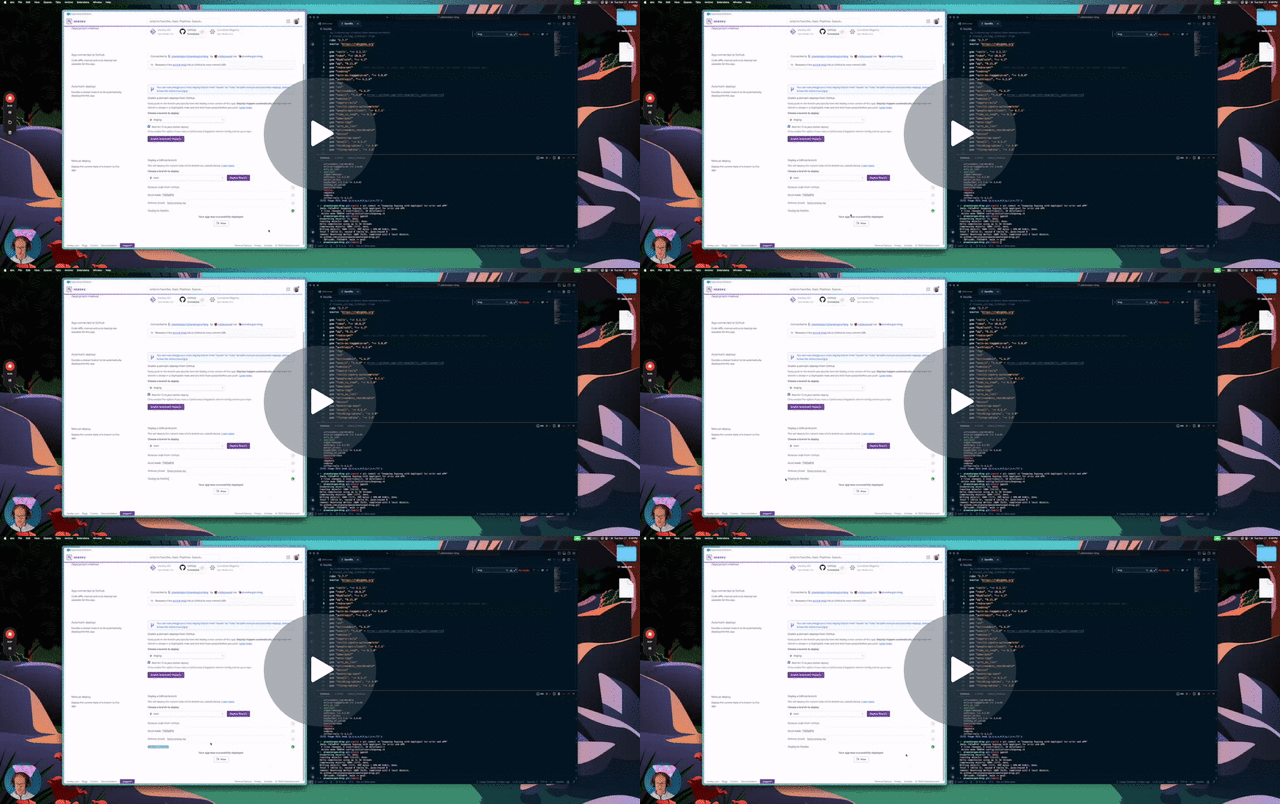
- Follow the instructions
- At the bottom of the instructions will be the key value
Setting the Environment Variables or Config File
Section titled “Setting the Environment Variables or Config File”Once you complete the above steps you should get a series of prompts in the terminal that will help to set the environment variables. There is also an option to configure this via Config file, if you prefer that method. More details here: AppSignal Docs
For a video walkthrough of how this was done for our Internal Blog application, view the following: